Connecting Accounts in Business Center
You can connect Google Business Profile, Google Search Console, Google Analytics, Quickbooks, and Facebook to Business Center so that your most important business data can all come into one place.
To get started, make sure you have access (and, ideally, are logged in to your accounts like Google and Facebook. On the left-hand menu of the Business Center, click on Settings, then Connections. If you need help making these important connections, email support@bmcguiredesigns.com and we will set up a time to walk you through it.
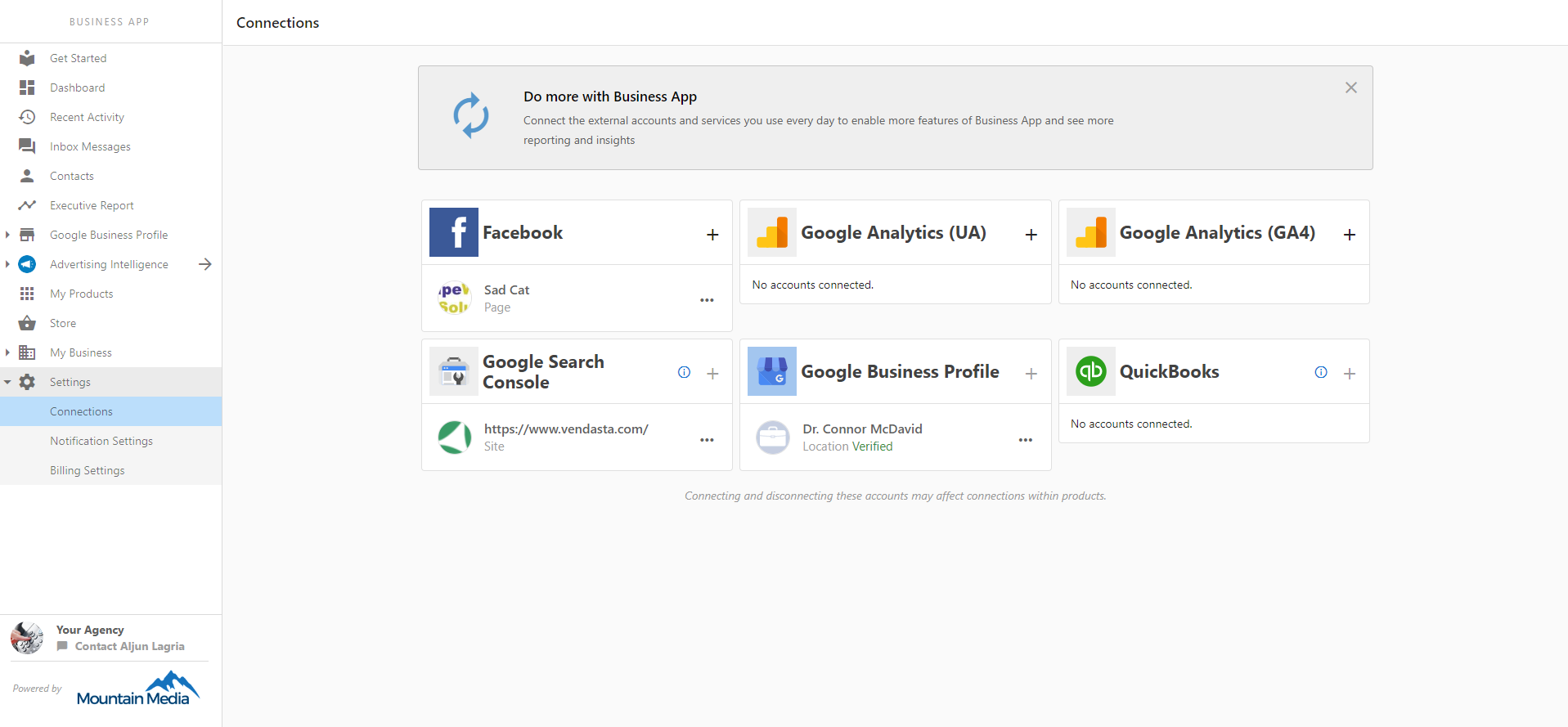

Connecting your accounts is one of the most important steps to start seeing value in Business Center and their services by providing the metrics that will prove their return on investment.
Connections made here will power analytics in the Executive Report and Marketing Funnel. These connections are also shared with some foundational products like Reputation Management, Listing Builder, Social Marketing, Website Pro, and more.